1, Download our documents, you can find the Epson driver for 32bit & 64bit Windows System.
2, Take an example; we install the Epson driver into our 64bit Windows 10 System. Double click the Setup.exe

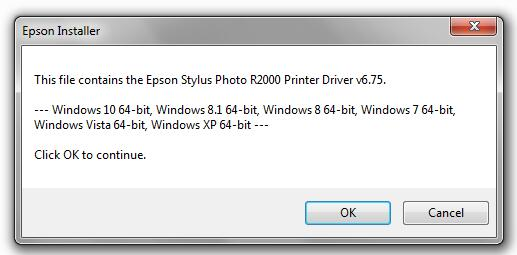
3, You will see the following steps. Pls click OK to finish the installation
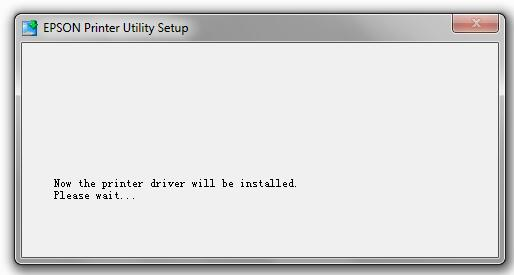
4, Driver is installing like below:
5, If you see this screen, please do two more steps.
Step 1; plug in the USB cable to connect PC to printer.
Step 2, press “READY” button to power on the printer

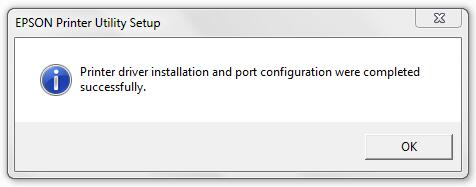
6, At this moment, computer will automatically recognize the printer. If you see the below information, then the driver installation is finished.