
Reason: Why L800 A4 printer will slow down? It’s because the printer will prevent the carriage motor overheat automatically.
Solution: Wait the carriage motor cool down (no heat at all), then we reset the CR motor heat protection control in our adjustment program.
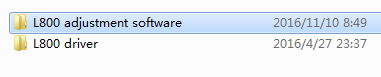
Step1. Find out our adjustment program
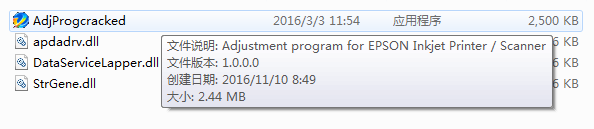
Step2.Click “AdjProgcracked”
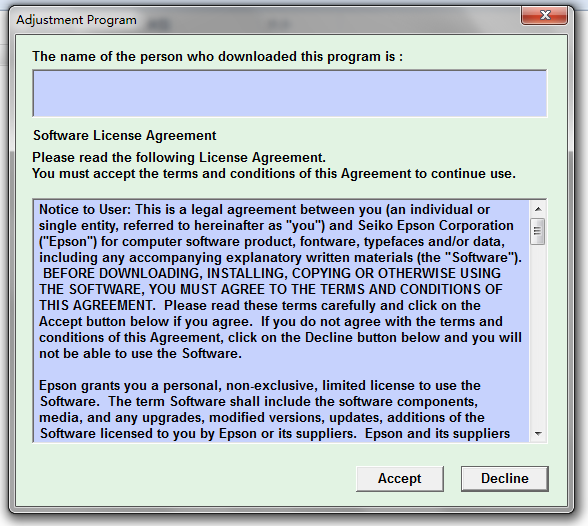
Step3.Click “Accept”
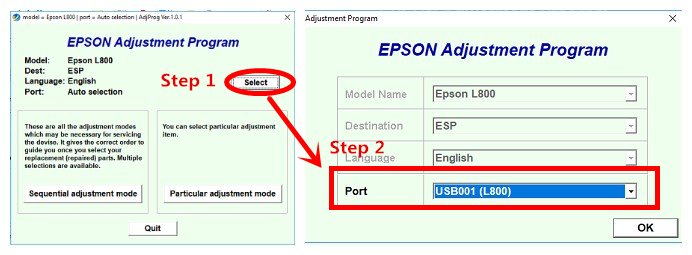
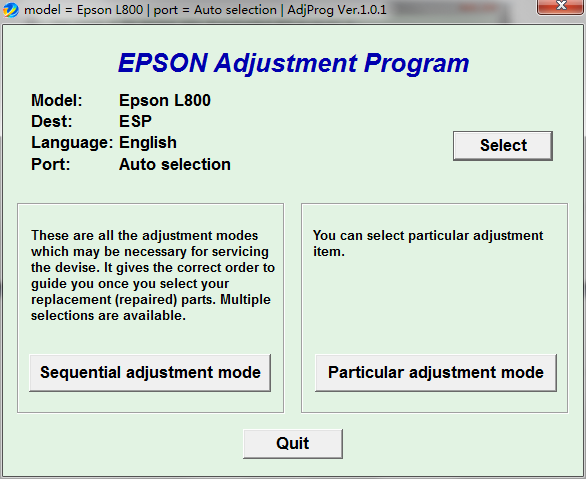
Step4. Click “Select”,then choose”Port=USB001(L800)”
Step5. Click “Particular adjustment mode”
Step6. Select “CR motor heat protection control”
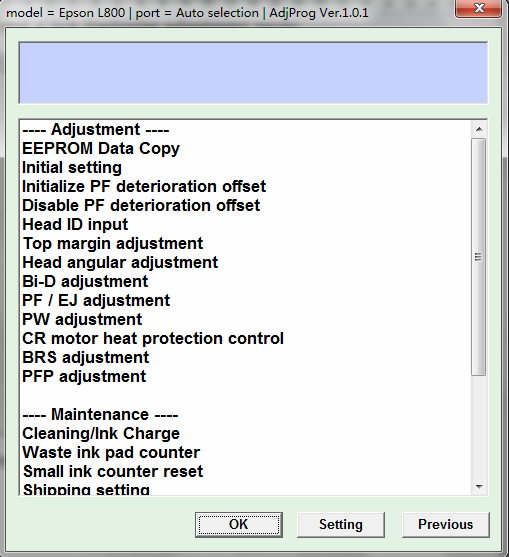
Step7. Select all, then click “Perform”

Step8. After you click a few “Perform”, then restart the printer, it will work normally again.