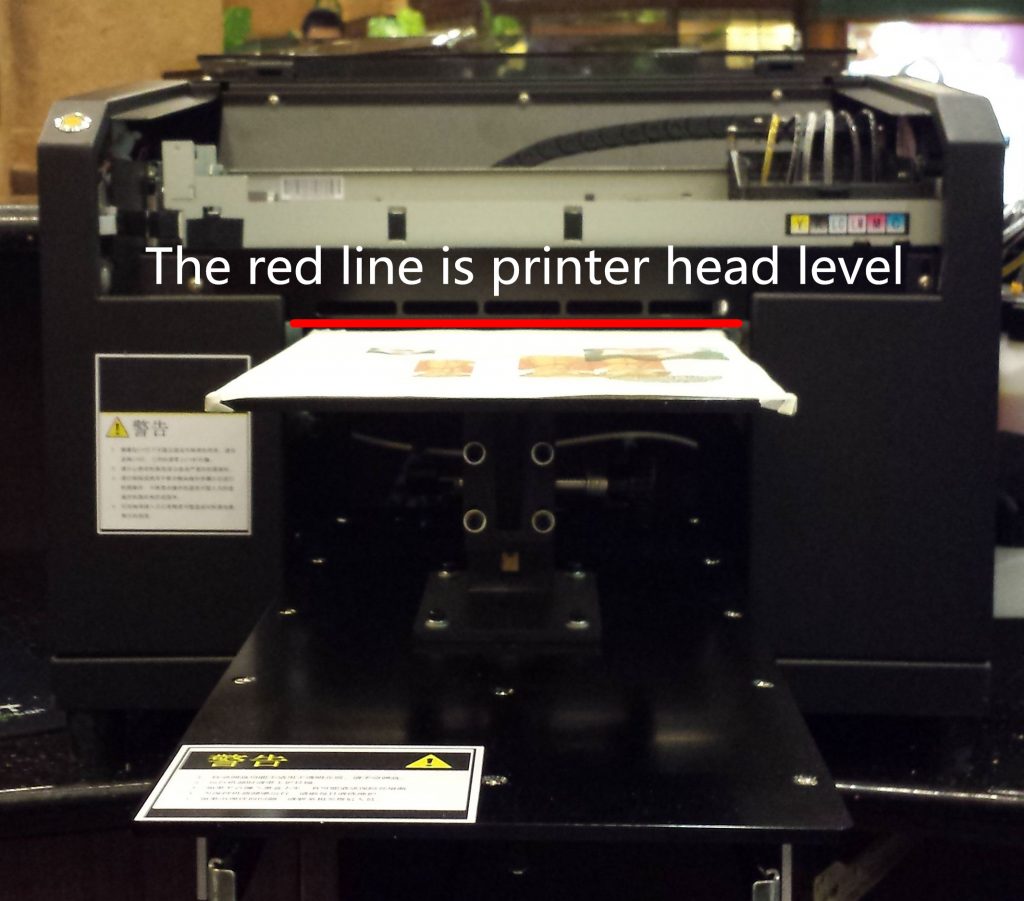
Printer Operation Parts:
- Correct sequence to power ON/OFF printer
- Must press AUTO button before each print
Power ON: Press power button, then press Ready button
Power OFF: Press Ready button, then press power button
RIP Software Parts:
- Printer=Stylus Photo 1390/1400,Port=USB00x(which is connected L800), Check Paper Size=OFF
- Ink Channel= Y K W W M C
Height Adjustment Part: